
Description
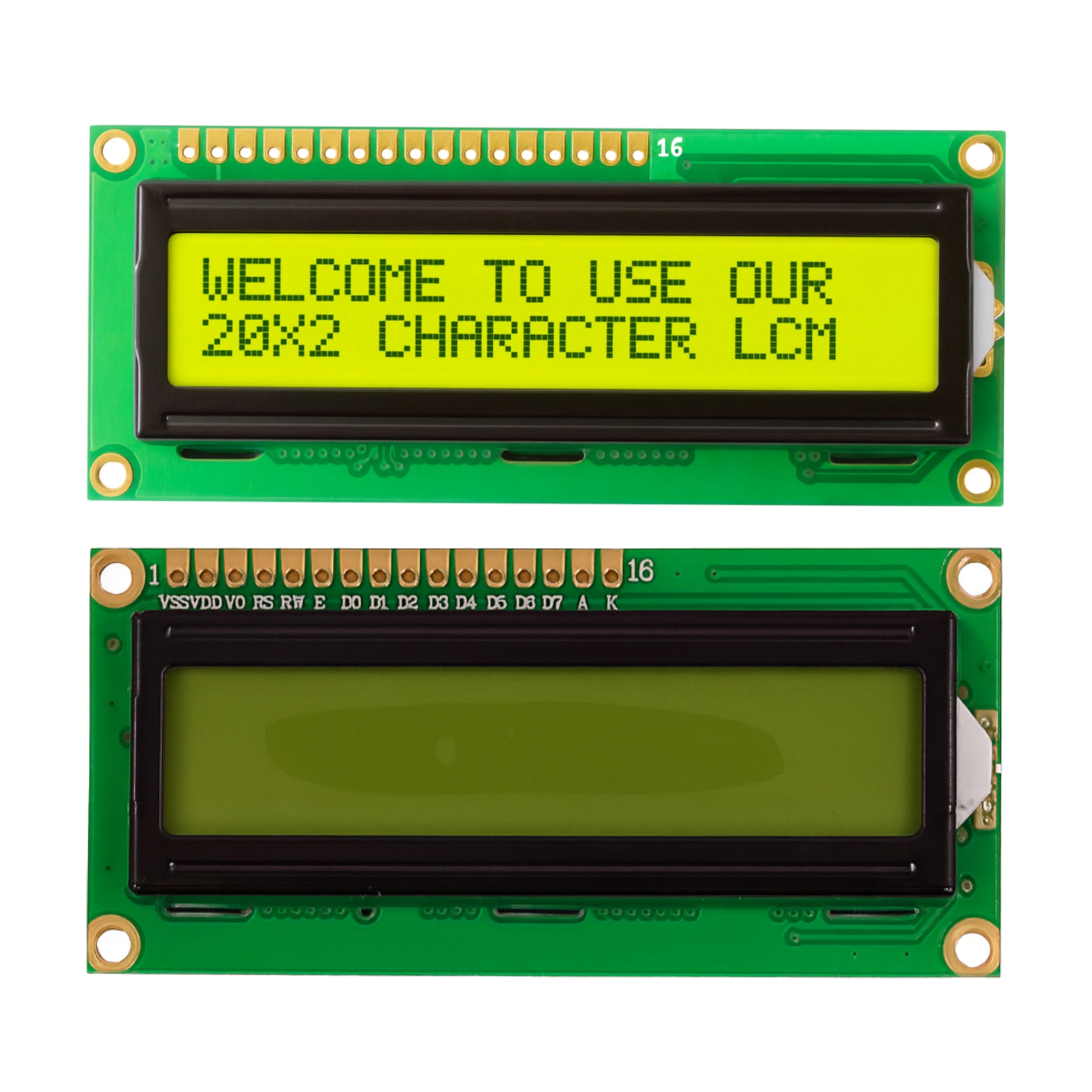
Alphanumeric LCD Display 2×16 HD44780 – Yellow – QC1602B
Universal alphanumeric LCD display, powered by 5 volts.
It is characterized by simple operation, high availability and numerous support for many microcontrollers.
Thanks to the available libraries, its operation is very simple.
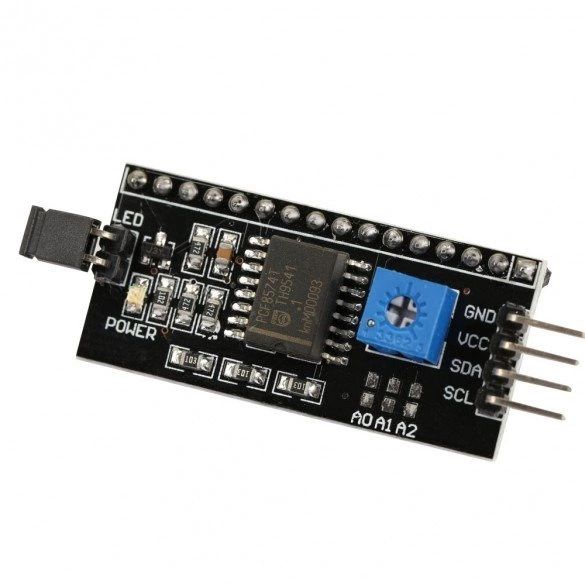
You can also use ki2C inverter, by which we limit the number of pins to two signal pins (SCL and SDA of the I2C bus) and two power pins + and -. Also for the display we recommend ptransparent casing made of acrylic, which provides an ideal base for projects keeping them neat and aesthetically pleasing.
LCD display features
- Universal alphanumeric LCD display module 2×16 characters.
- 2×16 LCD display
- Yellow backlighting
- Black marks
- HD44780 compliant driver.
- Ability to define your characters
- In the standard set of libraries and sample programs downloaded from the Arduino environment is the LiquidCrystal library, which allows you to operate the display.
- Control – The display can be controlled in modes:
- 8-bit without reading the busy flag – eight data bus lines and two control lines (RS, E – RW connected to ground) are required for transmission.
- 8-bit with busy flag reading – eight data bus lines and three control lines (RS, E, RW) are required for transmission.
- 4-bit with read busy flag- four data bus lines and three control lines(RS, E, RW) are needed for transmission.
- 4-bit without reading the busy flag – transmission requires four data bus lines and two control lines (RS, E – RW connected to ground).
Module parameters
- Power supply: 5V
- Average current consumption: 10 mA
- Dimensions: 86x36x13.5
- Sign dimensions: 2.45 x 5.00 mm
- Operating temperature range: -20 to +70 °C
Connector outputs
- VSS Mass
- VDD Power +5V
- V0 Contrast
- RS Selection of display instruction register (low state) or data register (high state)
- R/W Read (low state) / Write (high state)
- E Unlocking the display
- DB0
- DB1
- DB2
- DB3
- DB4
- DB5
- DB6
- DB7
- LEDA Backlight Power +5V
- LEDK Backlighting weight
Important links
- Libraries for Arduino
- Hello World program code”
Connecting the LCD 1602 to the Arduino
Example of connection with a microcontroller
The diagram shows the simplest way to connect the circuit to any microcontroller using a single-wire interface.
Reviews
There are no reviews yet.